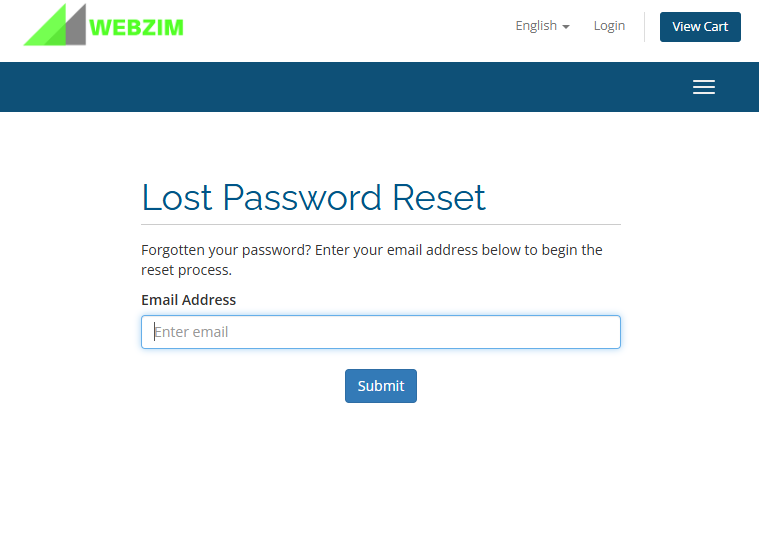
If you cannot remember your password for the Webzim Clientzone (where you manage your billing and services), follow these steps to reset it.
Step-by-Step Reset Instructions:
- Visit the Clientzone: Go to https://clientzone.webzim.co.zw/.
- Access the Login Page: Click the Login button in the navigation menu.
- Initiate Reset: On the login screen, click the "Forgot Password?" link.
- Submit Your Email: Enter the email address associated with your account and click Submit.
- Check Your Inbox: You will receive an automated email containing a secure password reset link. Follow the instructions in that email to create a new password