
Method 1 – Via Webzim Account
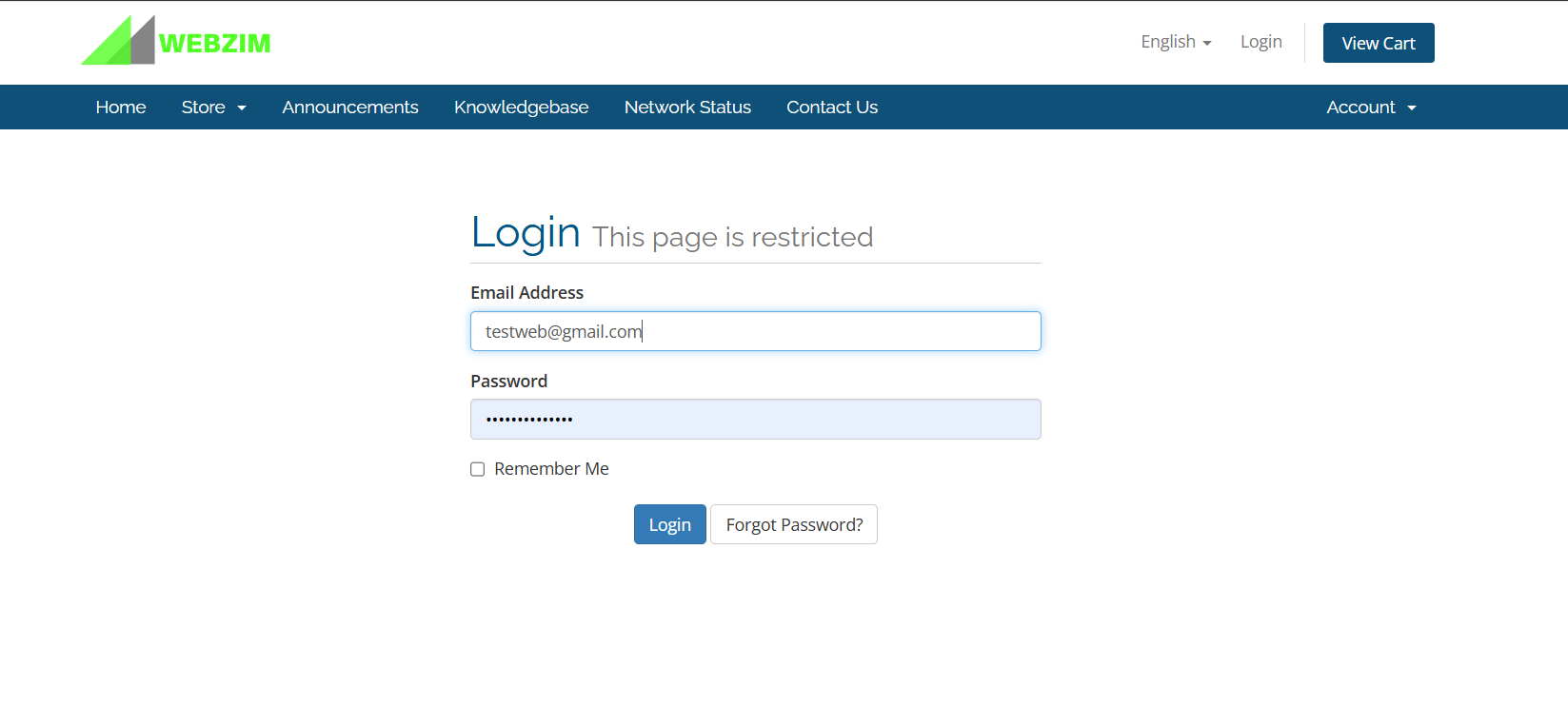
1. Visit https://clientzone.webzim.co.zw/ , and click Login, enter your email address and password, and click Login. If your forgot your password, click “Forgot Password”, enter your email address, click “Submit”, and you will receive a password reset link in your Email.
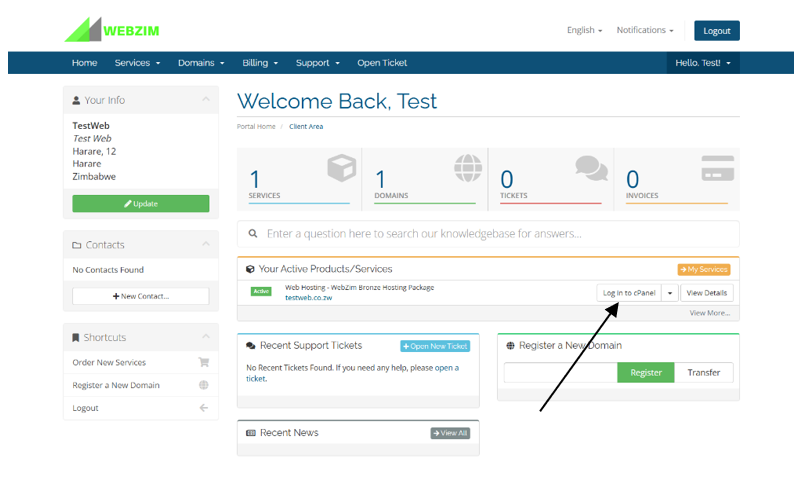
2. After login in, click on your domain name under “Your Active Products/Services” and click on “Login to Cpanel”. You will then be logged in automatically into your CPanel.
1.
Method 2 – Direct cPanel
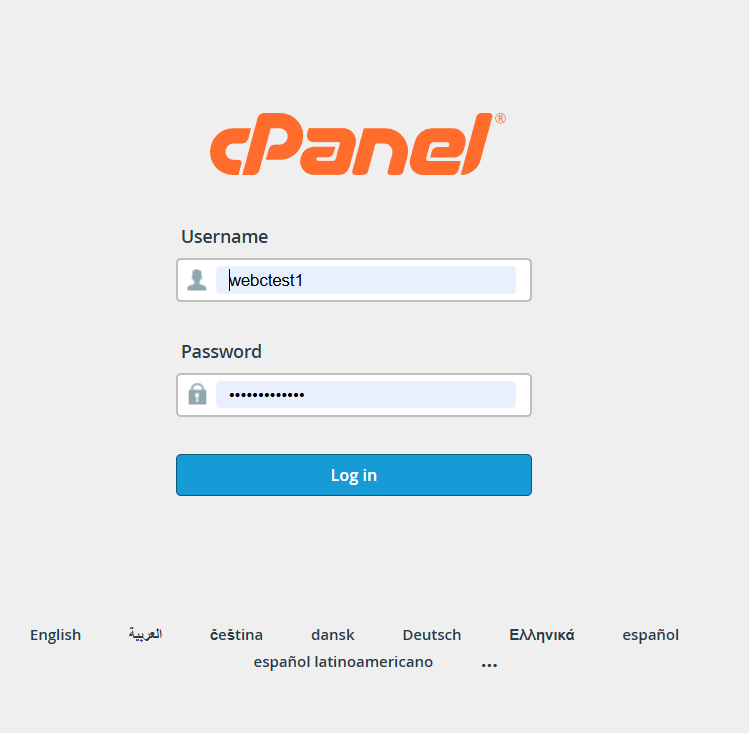
1. Access the Login Page
Use the following link to access your cPanel. (replace yourdomain.co.zw with your actual domain):
- Visit https://cpanel.yourdomain.co.zw (replace yourdomain.co.zw with your actual domain)
2. Enter Your Credentials
Enter the Username and Password provided in your welcome email.
- Where to find them: Check your inbox for an email with the subject "Web Hosting Account Information" sent when your account was first created.
- Need Help? If you cannot find this email or have forgotten a password you recently changed, please contact our support team for assistance.
Troubleshooting: "Your connection is not private"
If you see this warning, it means your SSL Certificate is not yet active. You can resolve this in two ways:
- Option A (Quick Bypass): Click "Advanced" and then select "Proceed to [your domain]" to continue to the login screen.
- Option B (Permanent Fix): Once logged in, install your free SSL certificate to secure the connection (refer to our "How to Install an SSL Certificate" guide).